
Make daily weight tracking simple.
Record your weight, follow your goal and read your progress through charts and history.
Strong, calm tools for weight tracking.
Tarto combines fast entries, goal progress, charts, history and data control in one focused app.

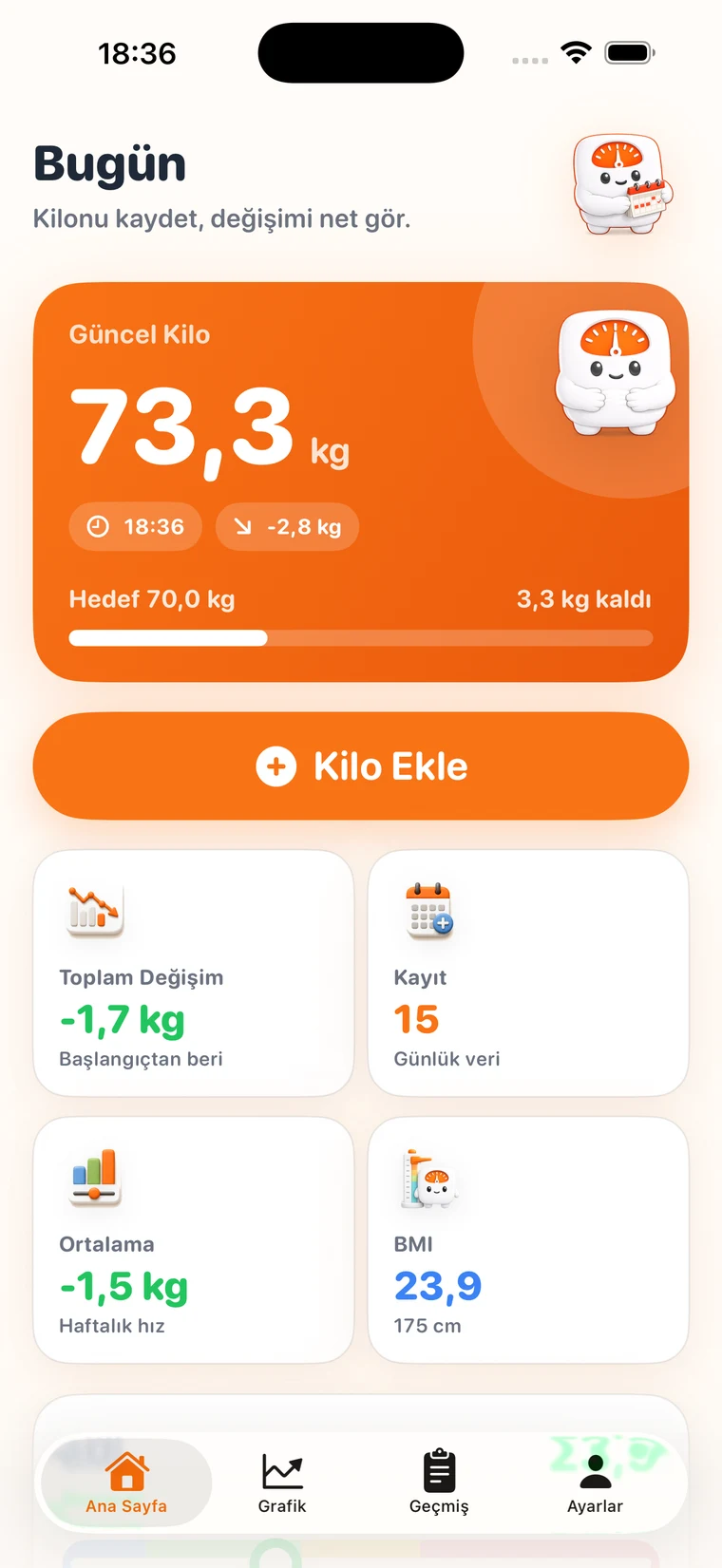
Fast daily entries
Add today’s measurement in seconds. If you enter weight again on the same day, Tarto updates the existing entry.
Goal progress
Follow starting weight, target weight, remaining distance and goal progress with simple indicators.
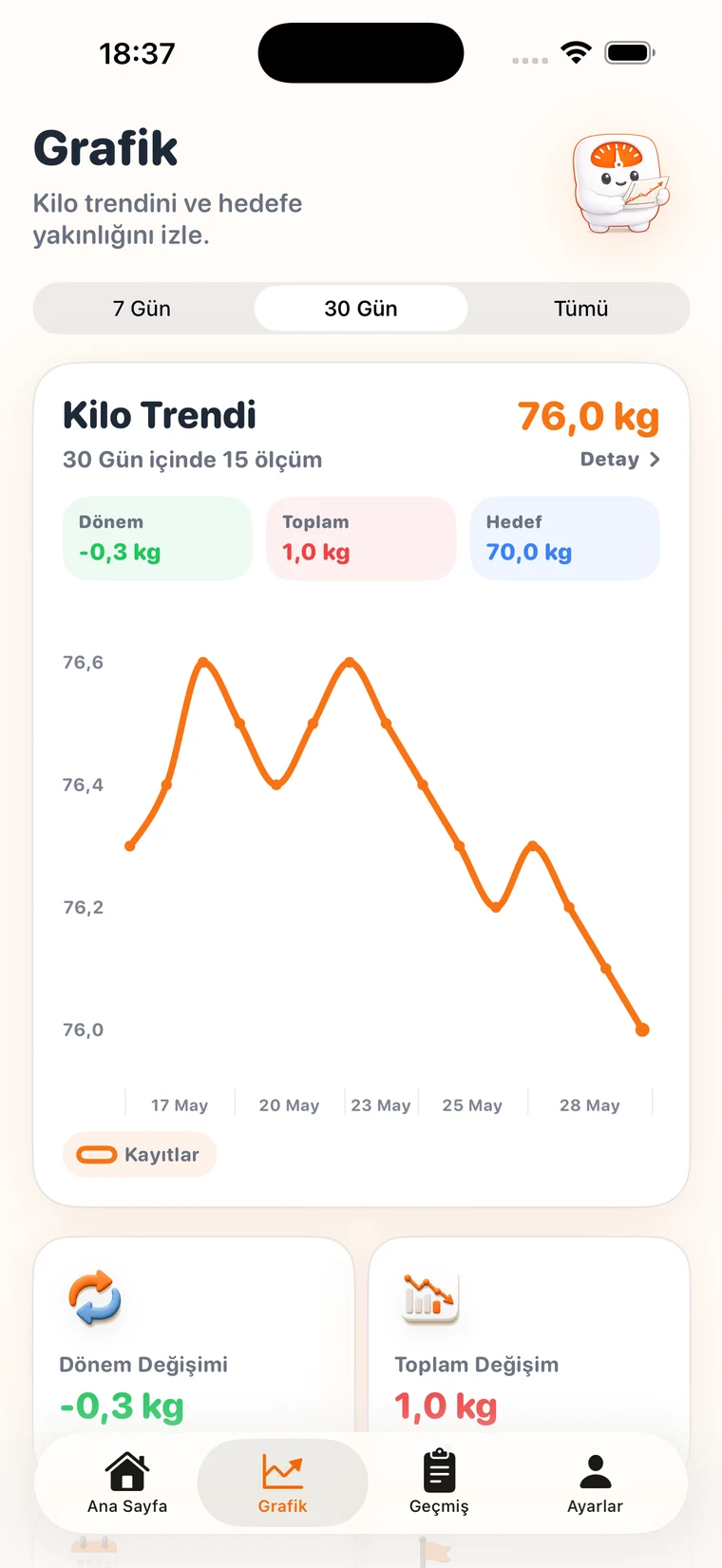
Readable charts
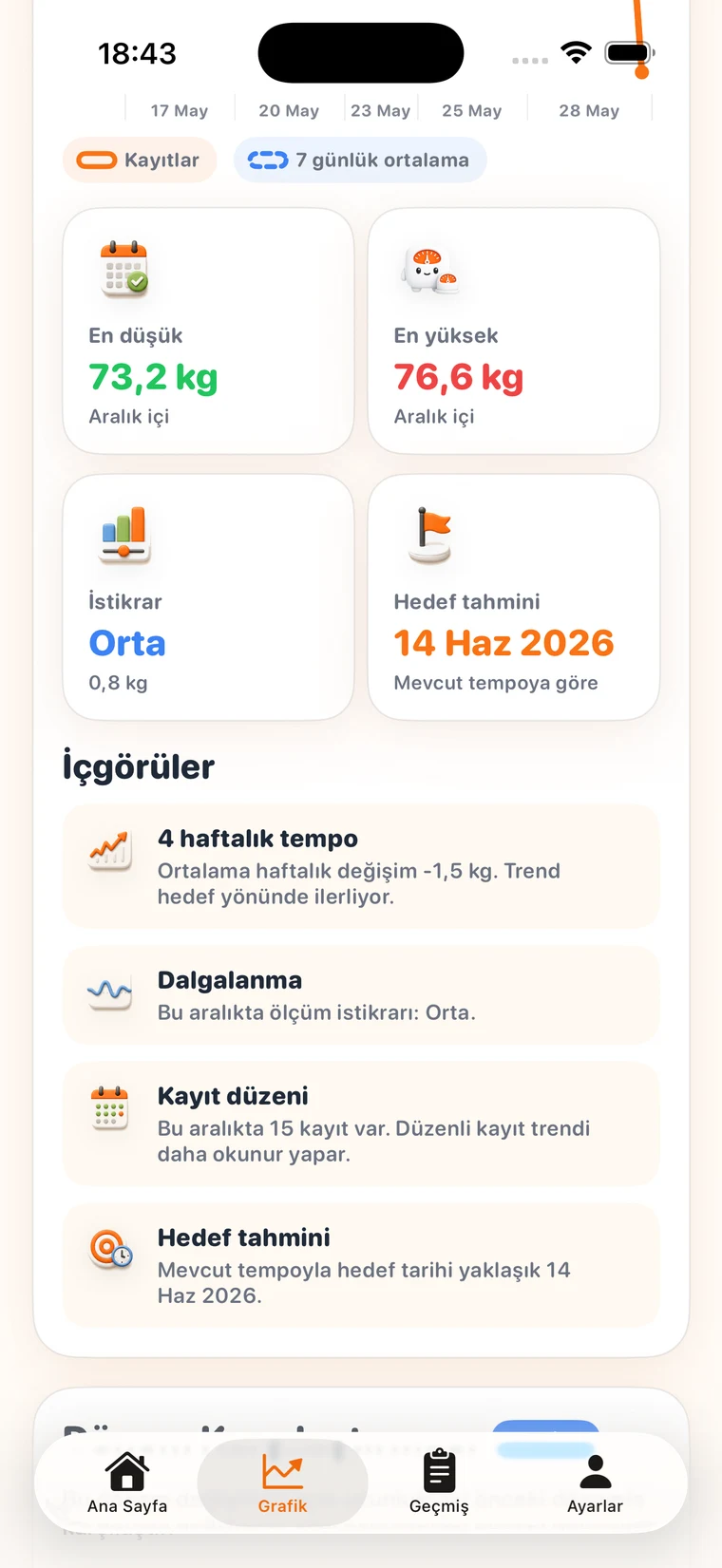
Weight trend, period change, total change, moving average and goal line stay easy to understand.
Entry history
Timeline, record calendar, streak and weekly goal summary keep past entries organized.
Optional backup
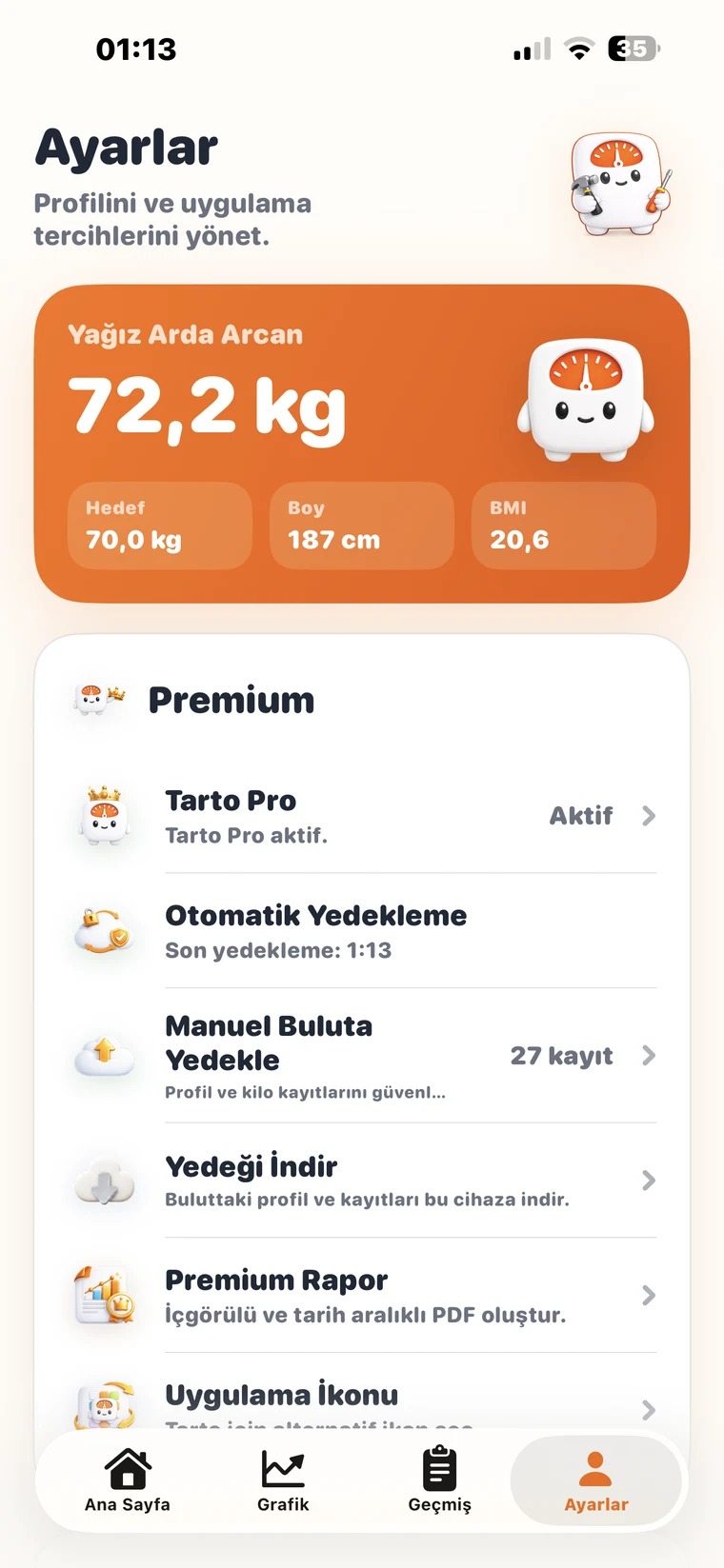
Sign in to back up entries to the cloud and restore them on a new device when needed.

Data control
Edit, delete, export, clear local data or close your account from inside the app.

Start free, upgrade to Tarto Pro when you need more.
Core tracking stays free. Longer-range analysis, automatic backup and reports unlock with Tarto Pro.
Daily tracking
Free
$0
A focused way to start recording weight and reading basic progress.
- ✓Daily weight entries
- ✓Goal progress
- ✓Today and history screens
- ✓Basic chart view
Monthly Pro
Tarto Pro
$3.99 / month
Longer-range analysis, secure backup and reports that are ready to share.
- ✓Automatic cloud backup
- ✓Advanced chart ranges
- ✓Smart insights
- ✓Premium PDF reports
- ✓Record calendar and long notes
Tarto Pro unlocks deeper tracking and secure backup.
Premium features add longer-range analysis, automatic backup and shareable reports without making daily tracking feel complicated.
Automatic cloud backup
90-day, yearly and custom chart ranges
Smart insights and goal date estimate
Date-ranged premium PDF reports
Long notes, advanced filters and record calendar
Alternative app icons and premium widget
Users stay in control of their data.
Tarto keeps tracking simple; backup, restore and account actions run through user-controlled flows.
Device-focused tracking
Daily weight entries and the core progress experience are designed around the user’s device.
Optional backup
Cloud backup and restore are used only through account and backup flows selected by the user.
Deletion control
Users can edit entries, clear local data or close their account from the app or support.
Frequently asked questions
Short answers users usually check before trying a weight tracking app.
Does Tarto provide medical advice?+
No. Tarto is a personal tracking app. Consult a doctor or dietitian for health, diet, weight loss or weight gain decisions.
Is cloud backup required?+
No. Daily tracking is device-focused. Cloud backup, restore and automatic backup are optional features tied to an account and premium access.
Can I use Tarto without Tarto Pro?+
Yes. Free use includes daily weight entries, goal tracking, basic charts and history screens. Pro unlocks deeper analysis, backup and report features.
Can I export my entries?+
Yes. Tarto supports CSV and PDF export. Tarto Pro unlocks date-ranged premium PDF reports with insights.
Are my entries automatically uploaded to the cloud?+
No. Cloud features are optional and tied to account and backup flows. Automatic backup is part of Tarto Pro.
Where do I cancel a subscription?+
Monthly and annual Tarto Pro subscriptions are managed through Apple App Store. Cancellation and refund flows are handled from the Apple account subscription settings.
What happens if I forget my password?+
A secure reset email is sent through Supabase Auth. The grookly.com universal link flow is prepared to return users to the Tarto app.